Unmanned Self-Storage & Remote Management: Operator Guide | EasyBee AI
Learn how unmanned self-storage facilities use remote management, automation and virtual managers to run 24/7 with less on-site staff.

Unmanned Self-Storage: How to Operate With Less On-Site Staff
An unmanned self-storage facility sounds simple.
Remove the front desk.
Automate rentals.
Let customers access their units.
Run the property remotely.
In reality, removing employees from the property doesn’t remove the work.AI receptionist for self-storageAI for self-storage
Customers still call. Prospects still have questions. Payments still fail. Gate issues still happen. People still need help choosing units.
And someone still has to know when a situation requires human attention.
That’s why successful unmanned self-storage isn’t really about removing people. It’s about combining self-storage automation, remote management, and human support so the work that requires someone physically on-site stays on-site—and everything else can happen anywhere.
The objective isn’t to build a facility where nobody works.when does paying for one actually make sense?
It’s to build an operation where work happens in the right place.
What Is Unmanned Self-Storage?
An unmanned self-storage or unattended self-storage facility operates with little or no permanent on-site staff. Instead, operators combine automated self-storage technology with remote teams and digital systems to manage routine customer and operational workflows.
That can include:
Online rentalsAI phone receptionist can instead understand a customer who says:
Digital leases
Automated payments
Gate accessAI receptionist software isn’t tied to a person sitting behind a desk, the same first layer of service can remain available after the office closes or while staff are occupied elsewhere.
Remote customer support
Security monitoring
Phone answering
Website assistance
Delinquency communication
Account management
The facility still needs management.
The difference is that management doesn’t necessarily need to happen from the property.
A prospective tenant can complete a rental online. An existing customer can make a payment digitally. Routine questions can be handled remotely. And situations requiring human judgment can be routed to the appropriate person.
That’s what makes an unmanned model possible.
The Hardest Part Isn’t Access. It’s Customer Service.
Much of the physical storage journey can already be automated.
A customer can reserve online.
Sign electronically.
Pay digitally.
Receive access credentials.
The harder problem begins when something doesn’t follow the happy path.
“I can’t get through the gate.”
“Which unit should I rent?”
“My payment didn’t go through.”
“I left something outside my unit.”
“I need to talk to someone.”
A truly remote self-storage operation needs an answer for those moments.
Otherwise, you’ve removed the office but left the customer without support.
This is where operators need to look beyond access control and online rentals. A successful unmanned model needs a customer-service layer capable of supporting tenants before, during, and after the rental.
How to Operate a Self-Storage Facility Remotely
Effective remote management for self-storage generally depends on three layers: self-service, remote assistance, and human escalation.
1. Self-Service
Customers should be able to complete routine transactions independently.
That can include finding information, checking availability, completing rentals, signing agreements, making payments, and receiving move-in instructions.
The goal is straightforward: don’t require a person for a transaction the customer can easily complete themselves.
2. Remote Assistance
Self-service won’t answer every question.
When customers need help, they should have an immediate way to get it—even when nobody is sitting in the facility office.
That support might come from centralized staff, an answering service, a virtual manager, or AI capable of handling common conversations.
For multi-location operators, remote assistance can also allow one centralized operation to support customers across several facilities.
3. Human Escalation
Some situations require judgment.
Security issues.
Complex billing disputes.
Emergencies.
Sensitive customer situations.
Unusual account problems.
Your remote model needs a clear path from automation to a person.
The goal isn’t to prevent customers from reaching employees. It’s to make sure employees spend their time on the conversations where they’re actually needed.
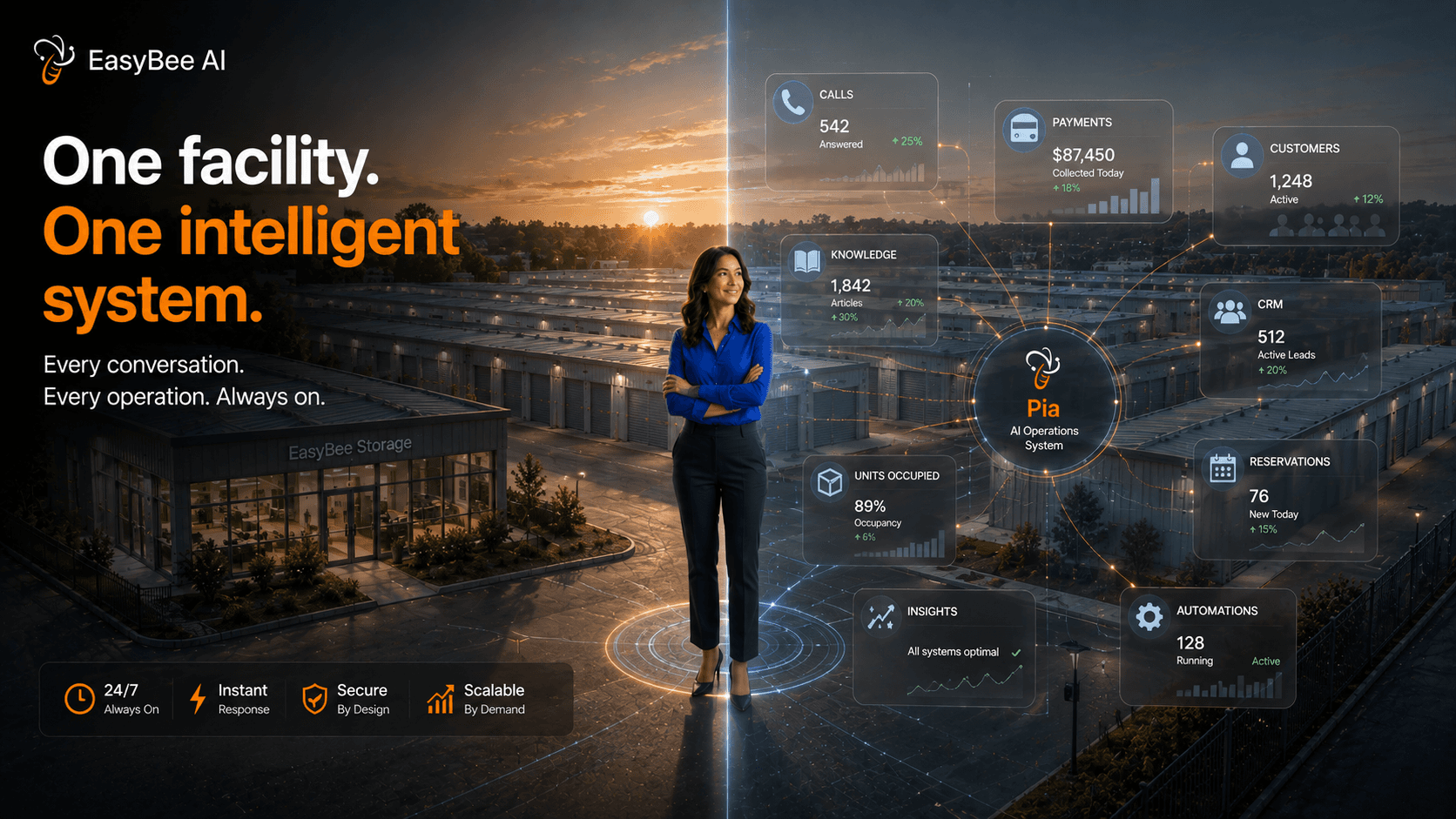
Where a Virtual Storage Manager Fits Into Unmanned Self-Storage
AI can fill one of the biggest gaps in remote operations:
Availability.
A virtual storage manager or AI agent can provide the first layer of customer assistance when someone calls or visits your website.
Instead of voicemail, customers can get immediate answers to routine questions.
Instead of waiting for someone to respond to a form, prospective tenants can continue the rental conversation.
Instead of every question reaching a centralized manager, repetitive interactions can be handled automatically.
For operators evaluating a virtual manager for self-storage, the important question isn’t whether AI can replace every manager task.
It can’t—and it shouldn’t.
The better question is:
Which routine conversations and workflows no longer require a manager’s direct attention?
A virtual manager might help a prospect understand available units, answer questions about access hours, explain basic facility policies, assist with a rental, or route a more complicated conversation to an employee.
This becomes particularly useful for operators managing multiple properties.
One AI layer can support routine conversations across locations while escalating exceptions to the appropriate person.
What Can Self-Storage Automation Handle Remotely?
Running an automated self-storage facility doesn’t mean automating every interaction.
The goal is to identify routine work that can happen consistently without requiring someone to sit behind the front desk.
Depending on the systems an operator uses, self-storage automation can support tasks such as:
Answering routine phone calls
Responding to website inquiries
Qualifying prospective renters
Helping customers understand unit options
Supporting online rentals
Sending reservation follow-ups
Providing payment reminders
Answering routine account questions
Updating connected systems
Routing exceptions to staff
For a remote storage facility, these workflows create an important first layer of coverage.
Customers can continue getting assistance while managers focus on situations that actually require human judgment.
Automation can also make remote operations more consistent. Instead of relying on someone to remember every callback, reminder, or follow-up, predefined workflows can make sure routine tasks happen when they’re supposed to.
That’s where automation becomes more valuable than simply reducing headcount.
It creates operational consistency.
What Shouldn’t Be Fully Automated?
Unmanned does not mean human-free.
Operators should be careful about fully automating situations involving:
Security
Emergencies
Disputed charges
Auctions and liens
Property damage
Complex account issues
Angry or distressed customers
These interactions can involve context, judgment, empathy, or legal and operational considerations that shouldn’t simply be handed to an automated workflow.
The objective isn’t maximum automation.
It’s appropriate automation.
Routine work should happen without unnecessary human intervention.
Exceptional work should reach the right person quickly.
A well-designed remote operation makes that distinction clear before automation is deployed.
Unmanned Self-Storage vs. Remote Storage Management
The terms are related, but they aren’t identical.
Unmanned self-storage describes the staffing model of the facility.
Remote storage management describes how the operation is managed.
A property can have limited on-site staffing while still using self-storage remote management for customer service, reporting, account administration, and other workflows.
Likewise, an operator may use remote storage operations to manage several staffed facilities from a centralized office.
For example, imagine an operator with five properties.
Those facilities don’t necessarily need to be completely unattended for the operator to centralize phone calls, lead follow-up, customer support, reporting, and administrative work.
That’s remote management—even if employees still visit or work at the properties.AI receptionist cost
Understanding that distinction matters when deciding what should happen on-site, what can happen remotely, and what can be automated.

Can You Run an Unmanned Storage Facility 24/7?
Many customer-facing workflows can operate around the clock without requiring an employee to remain physically on-site 24 hours a day.
But that only works when the systems surrounding the customer are designed properly.
A prospective renter needs answers.
A new tenant needs clear move-in instructions.
An existing customer needs account support.
Someone having trouble with access needs assistance.
An unusual situation needs escalation.
The technology stack has to work as one operating model rather than a collection of disconnected tools.
For many facilities, 24/7 operations therefore depend on a combination of:
Self-service + automation + remote support + escalationvirtual receptionist pricing
rather than any single technology.
A facility isn’t truly available 24/7 just because its gate is accessible.
The customer experience needs to be available too.
Start With the Customer Journey
Before reducing on-site staffing, map what your manager currently does.virtual receptionist cost
Then separate those responsibilities into three categories.
Must happen on-site
Examples may include property inspections, certain maintenance tasks, physical emergencies, and other work that inherently requires someone at the facility.
Can happen remotely
Customer support, administrative work, reporting, account management, and other activities don’t necessarily require someone to be sitting at the property.
Can be automated
Routine questions, lead qualification, follow-ups, reminders, and portions of the rental journey may be good candidates for automation.
This exercise tells you far more about whether a facility is ready for remote storage management than buying technology first.
Don’t start with:
“How do we make this facility unmanned?”
Start with:
“Which work actually requires someone to be here?”
The answer gives you the foundation for your remote operating model.
The Future Isn’t Necessarily Staffless
The more interesting future is flexible.
Some facilities will remain fully staffed.
Others will operate unattended.
Many will sit somewhere between the two.
A manager might oversee multiple properties.
A virtual storage manager might handle the first layer of customer communication.
Centralized teams might handle exceptions.
Local employees might focus on property operations instead of sitting beside a phone.
Automation might make sure repetitive tasks happen consistently without adding more administrative work.
That’s the real opportunity behind self-storage remote operations.
Not removing people.
Putting people where they’re most valuable.
Because the goal isn’t to operate a facility with nobody there.
It’s to operate a facility where customers can always get help—even when nobody is behind the desk.high-volume, repetitive, or happening when employees aren’t available
Frequently Asked Questions About Unmanned Self-Storage
What is unmanned self-storage?
Unmanned self-storage is an operating model where a facility runs with little or no permanent on-site staff. Operators use self-service technology, automation, remote support, and digital systems to handle routine customer and operational workflows.
What is unattended self-storage?
Unattended self-storage generally refers to a facility operating without a permanent employee physically present. Customers may use online rentals, digital payments, automated access, remote customer support, and other self-service systems.
What is remote self-storage management?
Remote self-storage management means managing customer service, administrative tasks, reporting, account workflows, or multiple facilities without requiring the manager to be permanently located at the property. It can combine centralized staff, self-service technology, automation, and AI.
What is a virtual storage manager?
A virtual storage manager provides customer or operational support remotely rather than working permanently at the property. The model can involve human staff, AI, automation, or a combination of them.
Can an unmanned storage facility operate 24/7?
Many customer-facing workflows can operate around the clock when online rentals, access systems, payments, remote support, and customer communication are properly configured. Operators should also maintain clear escalation processes for situations requiring human assistance.
Is unmanned self-storage the same as remote management?
No. Unmanned self-storage describes the staffing model of a property, while remote storage management describes how and where management functions are performed. A facility can use remote management without being completely unmanned.
What can self-storage automation handle?
Self-storage automation can support routine workflows such as answering inquiries, qualifying leads, supporting rentals, sending follow-ups and payment reminders, updating connected systems, and routing exceptions to employees.
Where can AI help an unattended self-storage facility?
AI can support phone answering, website conversations, common questions, lead qualification, rental assistance, follow-ups, and routing customers to employees when human judgment is required.
Run More of Your Self-Storage Operation Without Adding More Routine Work
EasyBee AI helps self-storage operators automate customer conversations and repetitive workflows across voice and digital channels—while keeping people in the loop when they’re needed.